
.png?width=32&height=32&name=Main%20Features%20Section%20(800%20x%20800%20px).png)
.png)
We’re back with another breakdown of what we’ve released week-to-week this quarter - just in case you’ve not had a chance to read the deploy release notes. Ticketsolve’s Q2 releases focused on improving the customer journey, boosting revenue, and making life easier for teams. Here’s what we released - alongside a sneak peek at what’s coming soon.
Recovering revenue before it's lost
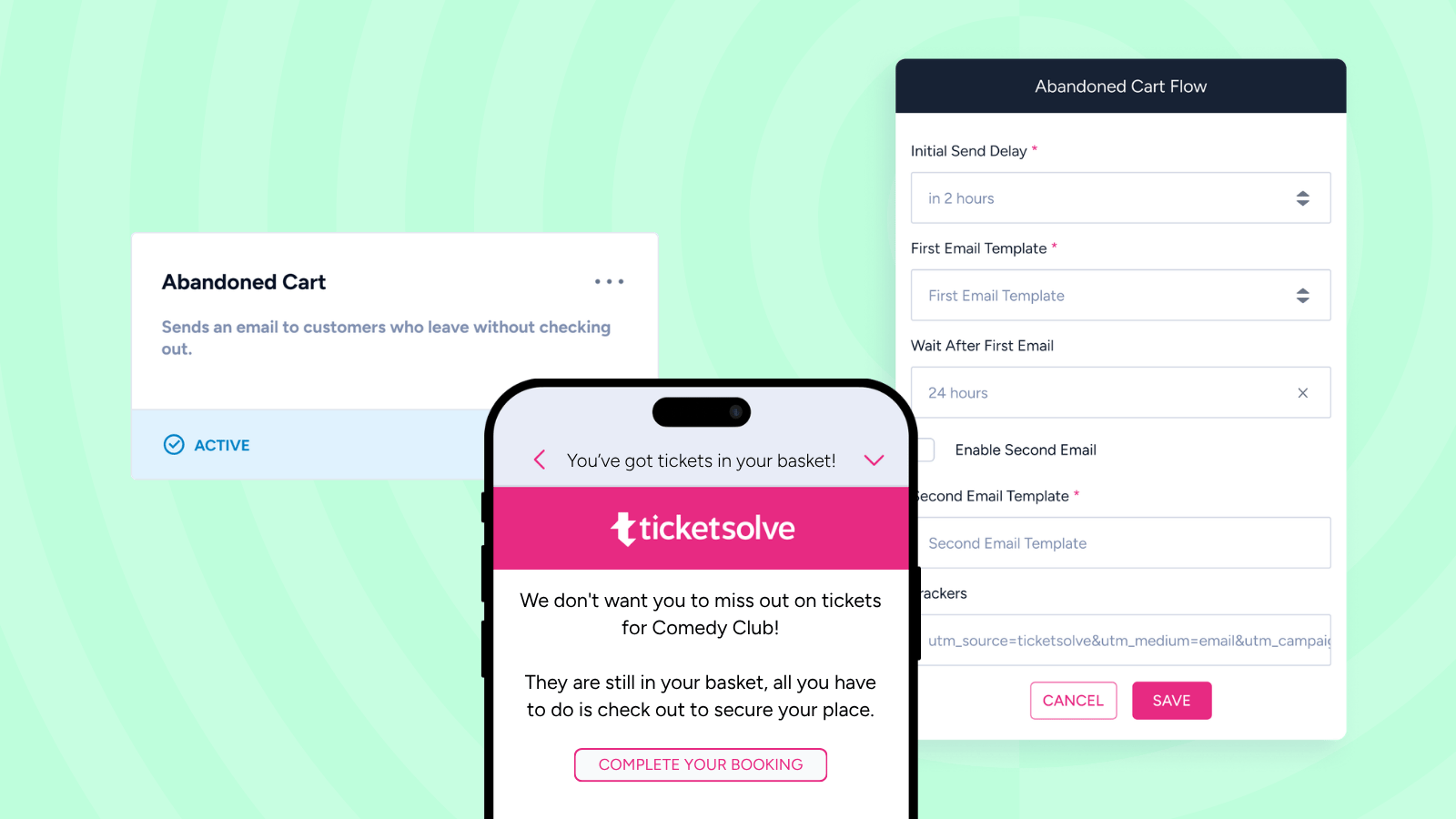
Aiming to help our customers recover potential lost sales from abandoned carts, we tested our Abandoned Cart Automation across five venues spanning theatre, comedy and festival programming this spring. Between 25% and 31% of prompted customers came back and completed their booking, and that rate held regardless of venue type, ticket price or basket size. The automation has now launched for all users - find out more about how it worked for our tester venues.
Free and comp events have always been the hardest to plan around when it comes to capacity, as the stakes are lower for no-shows. We’re hoping our new RSVP feature for pre-event alerts will help with this. Customers can be sent a single-click email to confirm or decline attendance, with declines logged to customer accounts & sent to the team as alerts in real time, meaning you’ll have a much better idea of which customers will actually turn up. Find out more about how some of our customers are using the feature.
Rolling memberships to make renewals easier
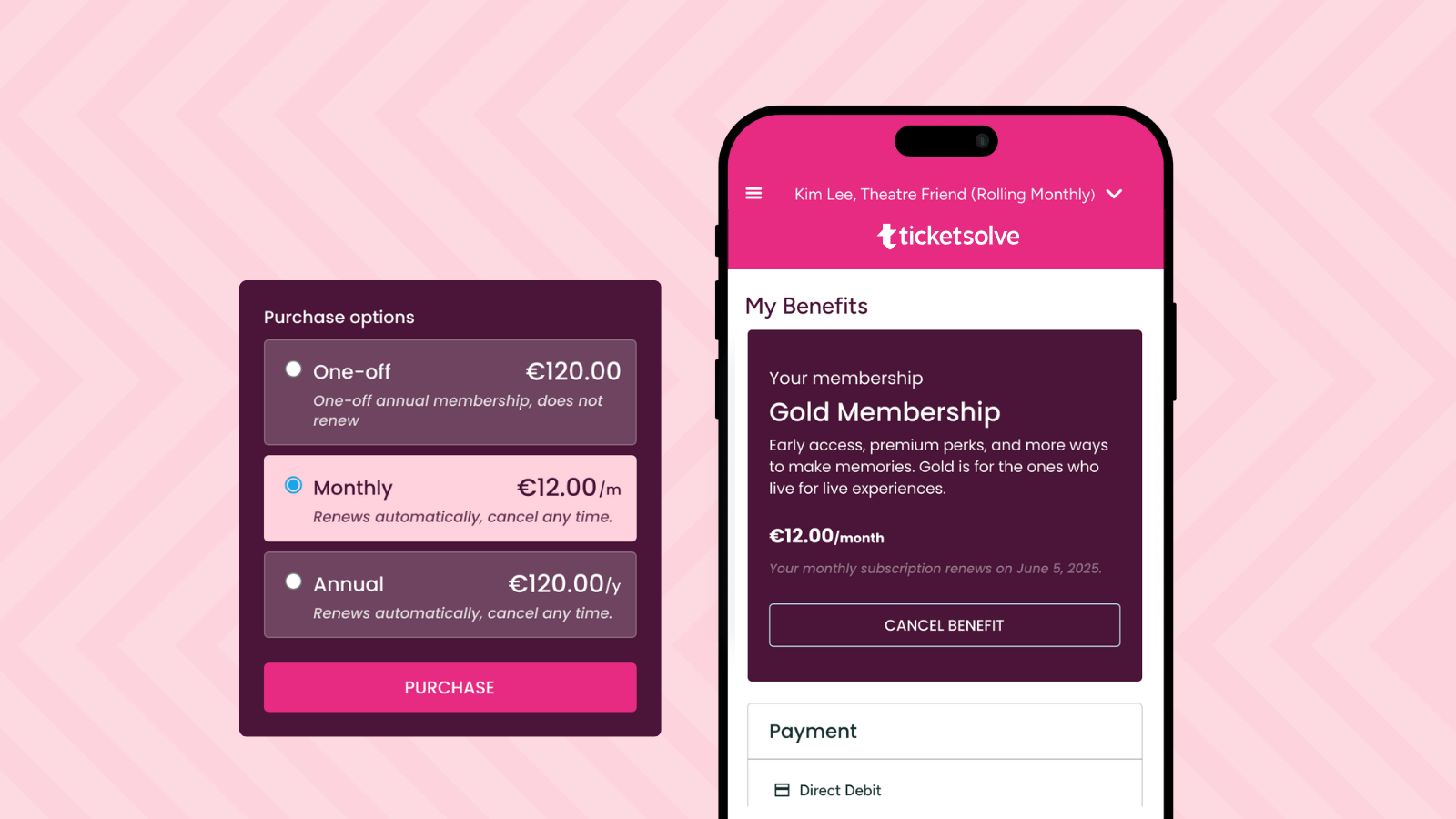
We released Rolling Memberships for users of Ticketsolve Pay in Q1 - monthly or annual Benefit Products that renew automatically and can be cancelled by the customer - and this quarter we focused on giving venues more control over managing their recurring revenue.
Rolling memberships can now be sold at the box office as well as online. You can also turn off the option to cancel online, so customers are prompted to contact the box office instead and any potential cancellation is fielded by a team member rather than actioned by customers. And members who cancel but think better of it can repurchase a cancelled membership or reactivate one from their online account.
Benefit Product setups now let you combine rolling and one-off options under a single product too, again for venues on Ticketsolve Pay. So one Benefit Product can carry a one-off option alongside rolling monthly and rolling annual ones, all shown as selectable choices within a single listing on your Ticketsolve website. It's a cleaner setup than building a separate product for each option.
There's more in the pipeline too. Direct Debits for Rolling Memberships moved into alpha testing during Q2, and recurring donations with Ticketsolve Pay are heading into alpha now. If either is relevant to your organisation, Support can add you to the first tester group.
VAT Updates for Summer Savings
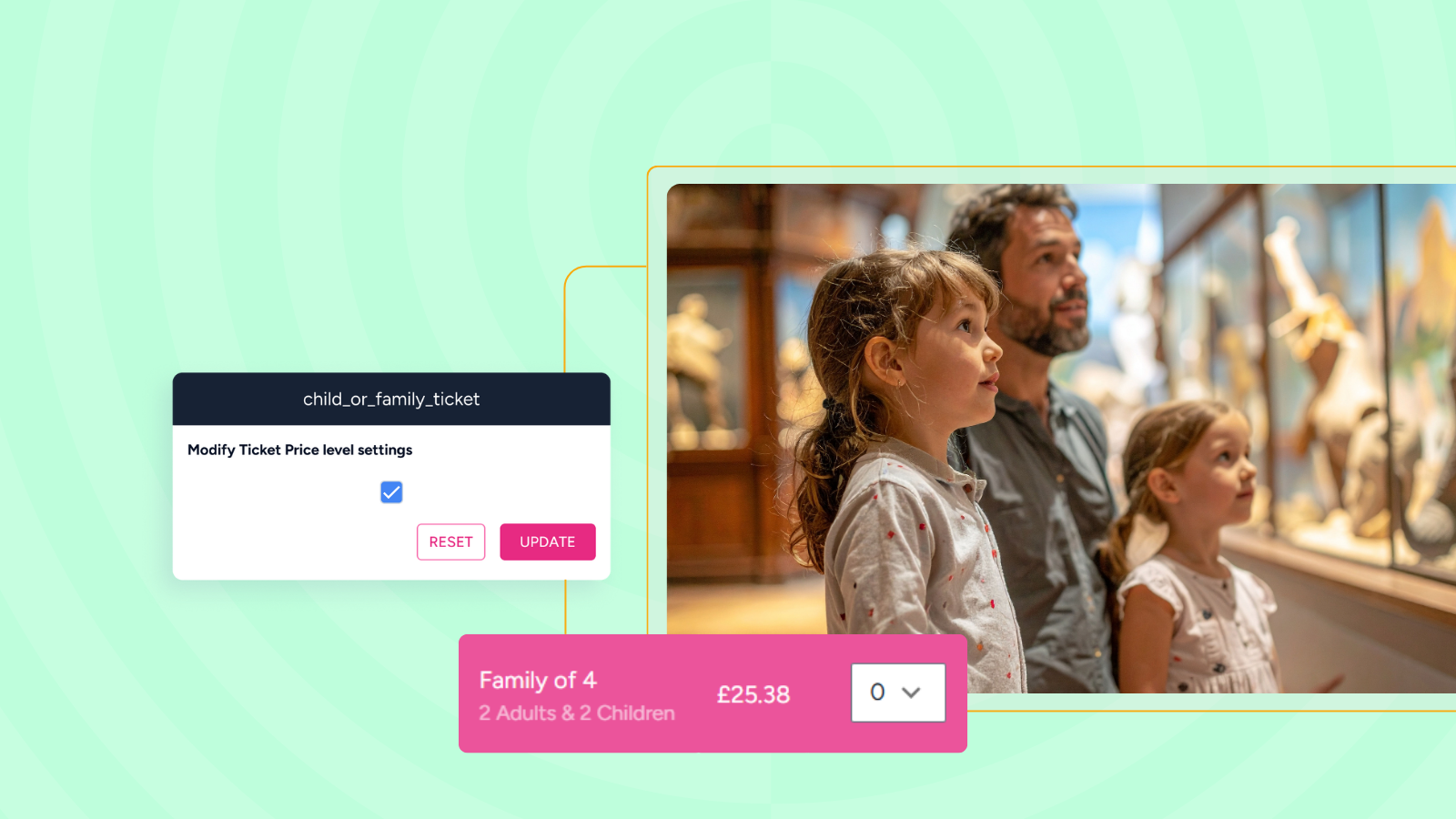
For UK venues, we added a setting to handle the Great British Summer Savings VAT reduction - the temporary cut from 20% to 5% on qualifying admissions for event dates between 25 June and 1 September 2026. For theatres, cinemas and shows the reduced rate covers children's and family tickets, with standalone adult tickets staying at 20%. For qualifying visitor attractions like museums, heritage sites and galleries it covers all admissions during the window.
The setting marks qualifying ticket prices so new sales are reported at 5% rather than 20%, with the rate following the event date rather than the date the ticket was bought. It doesn't change the gross price by default: the saving stays with the venue unless you set up new prices at a lower gross to pass it on, which is a commercial decision for each venue to make. Mixed orders are handled per line, so an adult and a child on the same booking are taxed correctly side by side, and the reduced rate reverts automatically on 1 September with nothing to switch off. This help article covers setup, how the rate applies to booking charges, and what to do about advance sales already made at 20%.
Reporting that does more of the work
Your Reports received a run of upgrades aimed at answering more specific questions without exporting to a spreadsheet first. The 'purchased weeks before' analysis now has a revenue version, showing how much money is taken each week ahead of an event alongside the existing capacity view. Reports can be filtered and grouped by ticket zone, and filtered by event start hour, so finding matinees or comparing sales between specific parts of your auditorium takes a couple of clicks. The Line Item Facts download now carries a ticket price tags column, and manual customer comments can be pulled into Customer Facts exports for review.
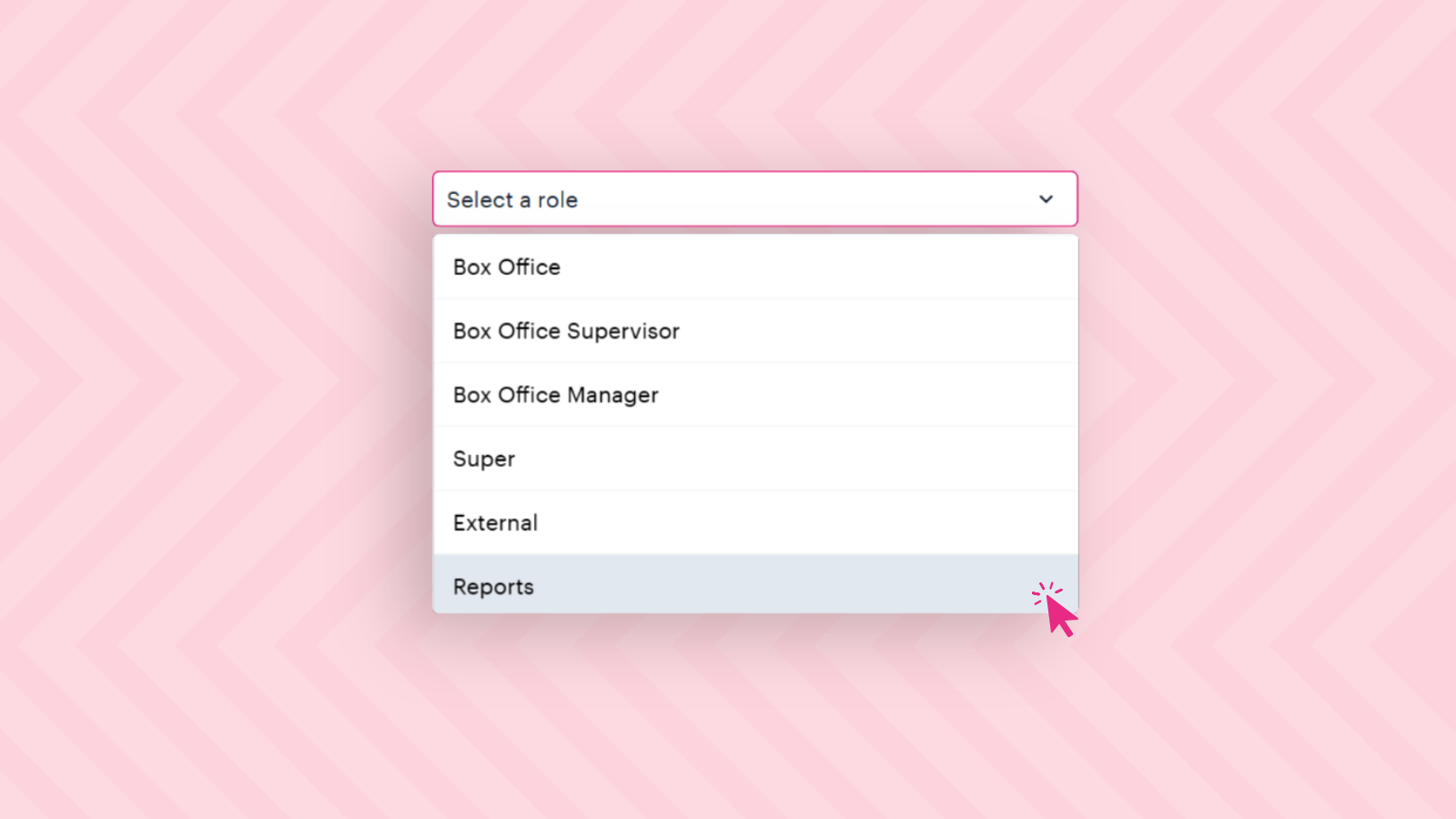
The change a lot of users asked for, though, is the new Reports user role. Not everyone on a team needs access to the whole system: a finance colleague, a board member or a stakeholder keeping an eye on figures often only needs the numbers. The Reports role gives them exactly that. They get the full reporting suite - the same Sales Dashboard, Sales Reports, Subscriptions, Your Reports and Payments data a Super user sees - with no access to box office, setup or configuration areas, and no ability to sell. It's a cleaner, safer way to open reporting up to the people who need it, without giving them access to everything else.
Automations across the board
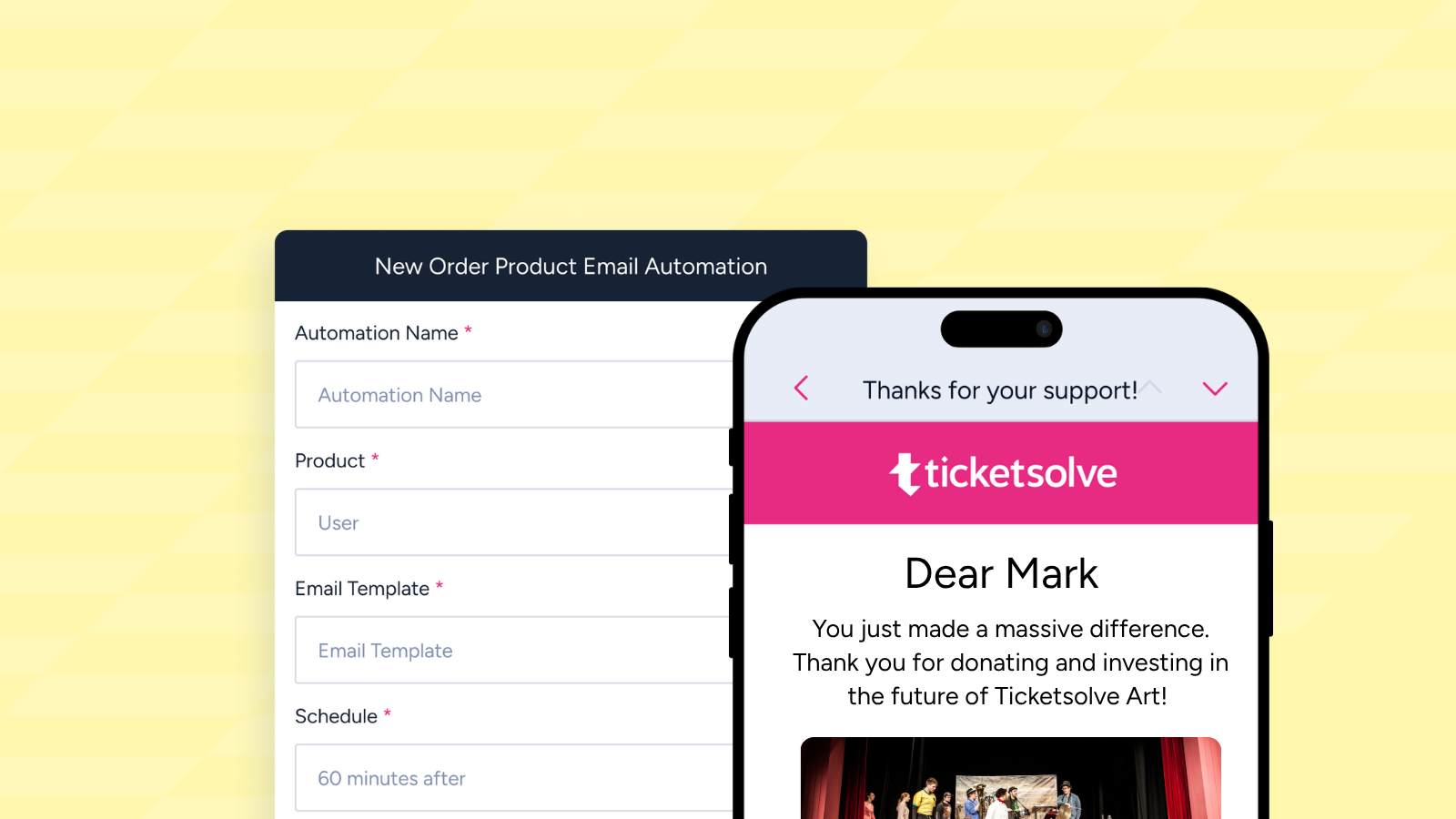
We’ve added four ready-made automations to help you send timely, relevant communication at key points of the customer journey - all from within Ticketsolve.
For marketing and fundraising teams, we’ve introduced two helpful automations:
- The New Order Product Email Automation, to send a targeted email to customers when their completed order contains a specific product, great for donation thank yous or membership welcomes.
- The Membership Expiry Reminders Automation, allowing you to send a series of reminder emails before and after membership expiry to encourage renewals and reduce churn.
For front of house and box office teams we’ve introduced:
- Event Alert by Tag, ideal for setting up specific targeted pre-event communications without affecting comms other events in your account.
- The New Order Customer Tag Email Automation allows a system user to receive an email alert when a Customer with a specific tag places an order - great for customers with access requirements or VIPs.
Small-but-mighty improvements for teams
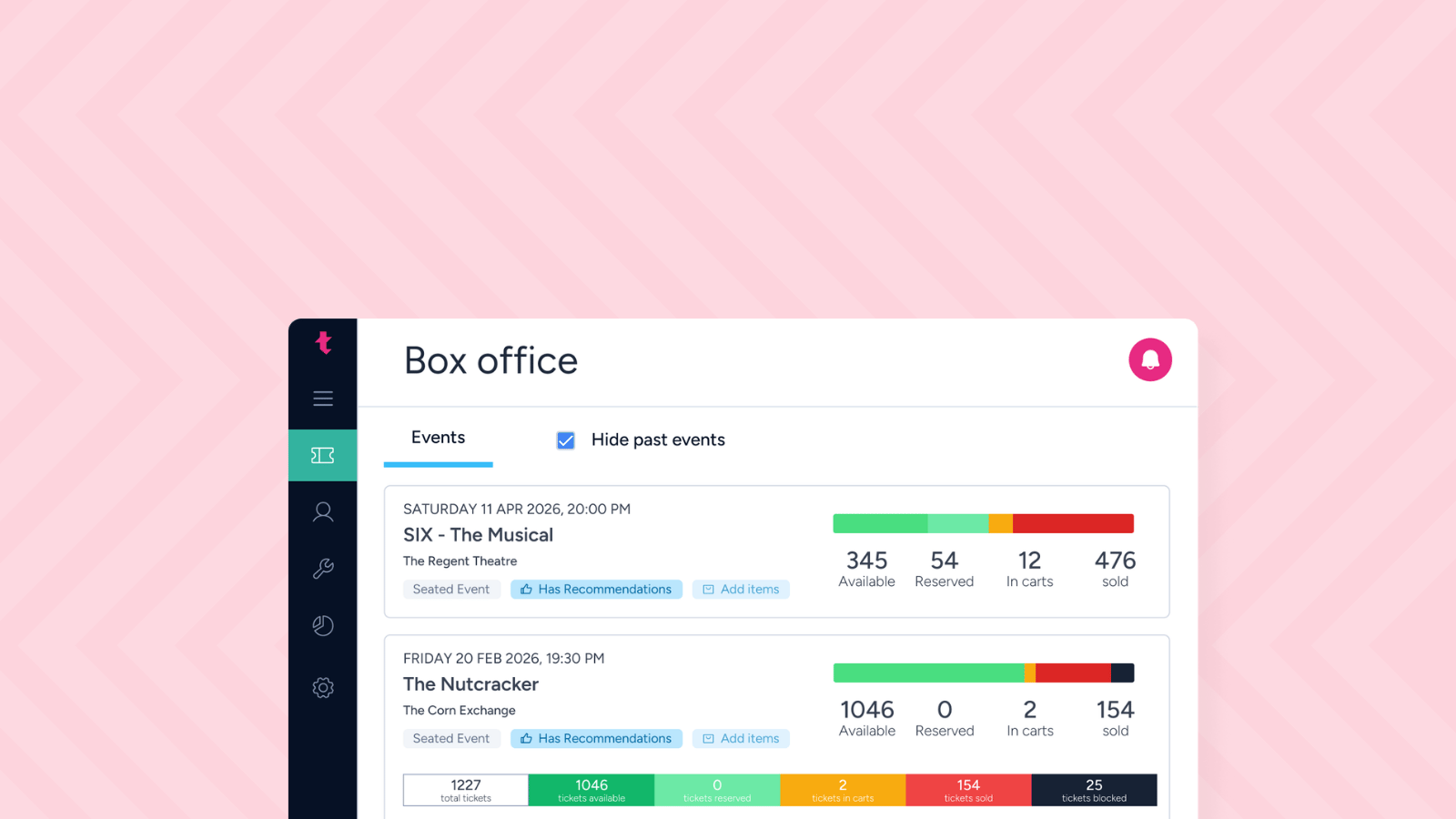
To make life easier for box office teams managing large amounts of events, we’ve now added a 'Hide past events' checkbox that clears anything that started more than 15 minutes ago, with the cut-off time adjustable in settings.
For teams using Ticketsolve for project or to-do list management, Project cards can now hold web links to external documents and multiple linked records at once, so a group booking or fundraising activity can be more easily tracked on one card.
Another small but mighty update on the scanning side: compatible Android and Chrome devices gained a torch control in the Check-in App, with the on/off preference remembered between sessions - ideal for venues with cinemas or other low-light settings.
Looking Ahead
Q2 may be over, but the weekly releases won't stop. If you'd like to follow along in more detail, the full road map and release notes are always there for the deeper dive, and our ideas board is the place to tell us what you'd like to see next.
If you're new to Ticketsolve and want to see how we partner with theatres, venues, festivals, museums, galleries, visitor attractions, and arts organisations across the UK and Ireland, we'd love to show you around.
